How do I remove the Just for You section on my home/login page?
To remove links in the Just for You section on your home/login page, follow these steps: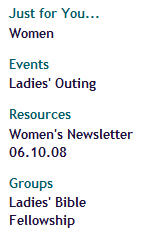
- Open the page(s) or item(s) whose link(s) are displayed in the Just for You section
- Click the "Show/Hide Options" button
 to expand the setup options
 - Set the "Promote on Home Page" value to "No"
- Save and Exit
| Miscellaneous: | Personalization/Just for You |